VIQQ Outreach
Every contact has a context. Every follow-up has a reason.
Our internal workspace for business outreach: contact records, drafts, scheduling, delivery events and follow-up history in one place.
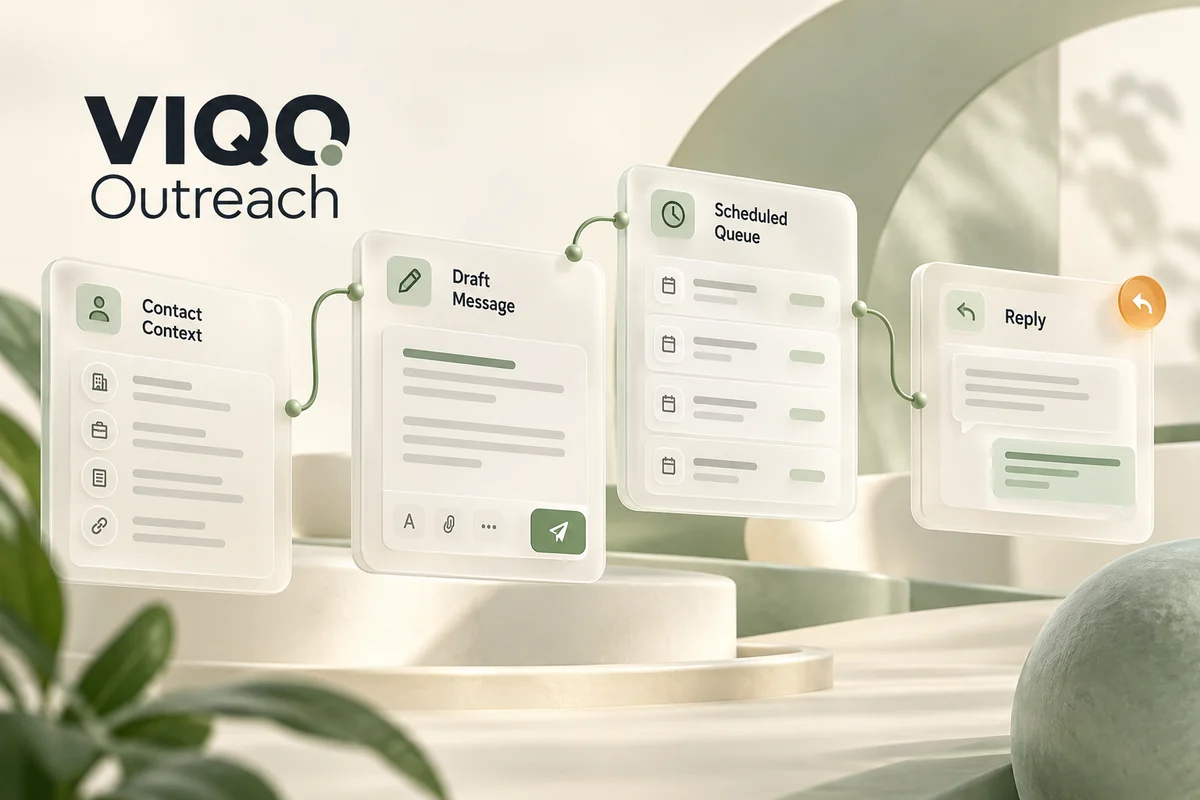
Built around everyday work.
Spreadsheets and separate mail threads make it difficult to see who has been contacted, what was sent and when to follow up. Repeated contacts and missing context create unnecessary work.
What we built
We brought the process into an internal CRM: a contact record holds the message, notes, interest status and event history. A scheduled queue and sending checks make the process visible and controlled.
We needed a reliable way to manage our own outreach: understand why a company was contacted, see the exact message and know what should happen next. A generic list of email addresses could not carry that context. We built a workspace around the complete relationship, from a researched contact and a prepared draft to a scheduled send, a reply and the next action.
- Next.js
- React
- TypeScript
- Vercel KV
- Resend
- Webhooks
A clear sequence. A useful result.
Explore the stages to see what the application does at each step.

Keep the context
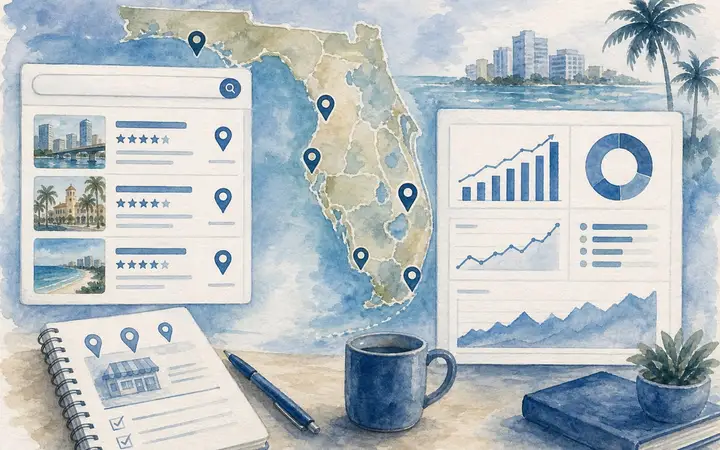
A record combines the company website, contact channel and private notes. Website normalization helps detect duplicate records.
From a draft to a conversation.
A simplified interface illustration with invented content. No personal records are shown.
Useful beyond the first screen.
Contact records
Website, communication channel, notes and interest status remain together.

A controlled queue
Scheduled actions, sending windows and pacing checks replace ad hoc bulk sending.
A message timeline
Initial messages, follow-ups and provider events are visible in the same workflow.

Operational clarity
The workspace supports daily outreach work. Opens and clicks are signals, not proof of a sale or even a human view.
This case describes our own internal software. Illustrations use invented records and show no real contacts, emails or account access. The private workspace is not a public product demo.
A product for the people doing the work.
For businesses that develop relationships through targeted outreach and want a process their team can actually manage.
B2B sales teams
Keep the reason for contacting a business, the message and the next action in the same record.
Agencies and service businesses
Prepare individual approaches and return to relevant conversations with their full history.
Founders and small teams
See who needs attention today without maintaining a separate tracking spreadsheet for every stage.
Less scattered work. More continuity.
The context stays with the contact
Website, notes, message history and interest status stay together. A later follow-up starts with the previous conversation, not a blank sheet.
Sending is a visible process
Drafts, schedules, pacing and delivery events show the difference between a message that is prepared, queued and actually sent.
Follow-ups have continuity
The team can see what was said before and what action is due, instead of sending another message without checking the history.
Built around business rules
The system demonstrates an approach we can adapt to a team's stages, approval process, communication channels and reporting needs.
What to consider
A CRM does not replace a relevant offer, accurate contacts or a person who handles replies. Opens and clicks can be affected by automated systems. Delivery outcomes depend on the email provider and sending setup; the interface makes them visible rather than guaranteeing a sale.
Your outreach. Your rules. Your workspace.
We can develop a similar outreach system for your company, with your stages, algorithms, roles and approval rules. Start with the process you want to improve: we will define the workflow, build the interface and connect the services needed to make it work inside your business.
Discuss an outreach system ↗- 01Your pipeline and contact fields
- 02Your scheduling and follow-up rules
- 03Employee roles and approvals
- 04CRM and email provider integrations
- 05Company reports and event history
- 06Your interface, terminology and branding