Three workflows worth building first
Form → classify service type → assign owner → draft reply.
Missed call → SMS follow-up with booking link.
Repeat question → knowledge base answer, escalate if confidence is low.


For growth-focused local businesses in Miami and South Florida.
We design practical AI automations for South Florida service businesses - intake, follow-up, FAQs, lead scoring, and CRM routing - so your team responds faster without hiring another coordinator.
Guide
Most small businesses don't need a sci-fi automation stack. They need three reliable workflows: lead intake tagged correctly, follow-up that doesn't slip, and FAQs answered when the office is closed.
We wire AI steps into tools you already use - forms, email, CRM, Slack - with guardrails so automation doesn't go rogue.
Form → classify service type → assign owner → draft reply.
Missed call → SMS follow-up with booking link.
Repeat question → knowledge base answer, escalate if confidence is low.
HubSpot, Pipedrive, Google Sheets, Notion - we integrate where your team lives.
If CRM hygiene is bad, we fix fields and stages before adding AI on top.

How ai automation small business fits together
Start with one trigger (form submit) and one outcome (routed CRM task) before chaining ten steps.
Human approval on outbound messages until templates prove safe.
Logging and kill switches - you should see what the bot sent yesterday.

Hours saved on intake, faster speed-to-lead, fewer leads marked "unknown service."
Not "we installed AI" - specific metrics in 30–60 days.
How ai automation small business fits together
Start with one trigger (form submit) and one outcome (routed CRM task) before chaining ten steps.
Focused packages
Focused packages under AI Automation. Each page targets one commercial intent - then links back here for the full engagement.
Automation touchpoints connect to indexed FAQ and service pages as knowledge sources, keeping AI answers aligned with public site content search engines already crawl.
FAQs
Straight answers on scope, timeline, and what changes the price before we kick off.
4 questions
Straight answers - no sales script.
Mark the traffic channels you already run. We'll show which ones are missing - and where buyers never reach you.
Step 1/2
Select all that apply - or none
Select every channel that's live today - even if results feel weak. Or choose Nothing yet.
Mark live channels - or Nothing yet if you're starting from zero.
Related services
Before you invest
We analyze your business, find the opportunities, and show you exactly what to improve - before you spend a dollar.
01We analyzeyour channels
We review your website, ads, Google profile, and more.
02We findopportunities
We identify what's working, what's missing, and what to fix.
03We buildyour plan
You get a clear growth plan with prioritized actions.
04You growwith confidence
Make smarter decisions and invest with clarity.
Built for real industries. Designed to convert. Ready to grow.
Swipe sideways for more industries →

Home Services
Proven structure
Homepage
Services
About
Service Areas
Reviews
FAQ
Contact
What you get
Industry fit
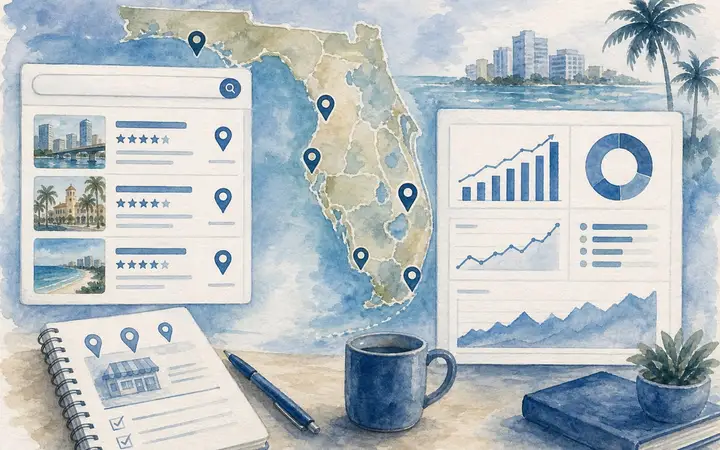
Short, practical blog posts on Google Maps, leads, and pricing - clarity before you reach out.
By VIQQ Studio7 min read
What Miami-area owners do differently on Maps - and the local SEO moves that actually drive clients.
Read article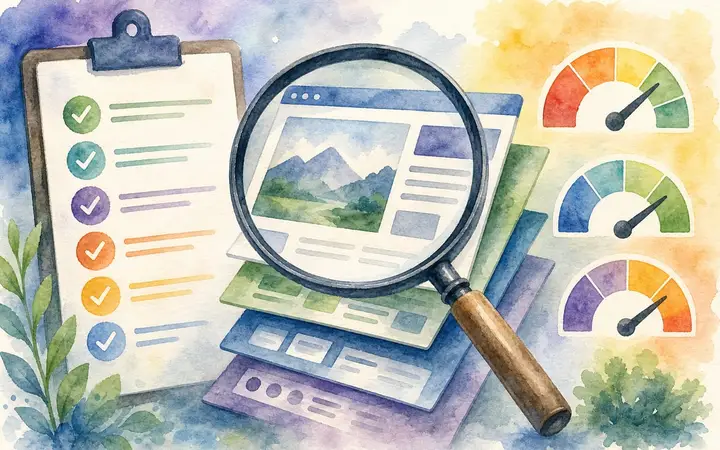
By VIQQ Studio6 min read
The conversion gaps behind quiet forms and empty inboxes - and what South Florida owners fix first.
Read article
By VIQQ Studio8 min read
Real 2026 ranges for Miami-area landing pages, full sites, and growth layers - before you talk to any agency.
Read articleNot ready to talk yet? Start with a quick blog post.
End of the tour
Share your goal - we send what to build first, where the potential is, and starting numbers.
Closing step
Request your growth roadmap
Sources
Where clients come from
Scan
What you already run
System
Reputation to follow-up
Review
Where potential is
24h reply
Human review
No pressure
Other ways to reach us