A photo on your phone.
A piece of your home.
A store that connects a personal photograph with the material, the composition and a preview of the finished piece.
Explore the project ↗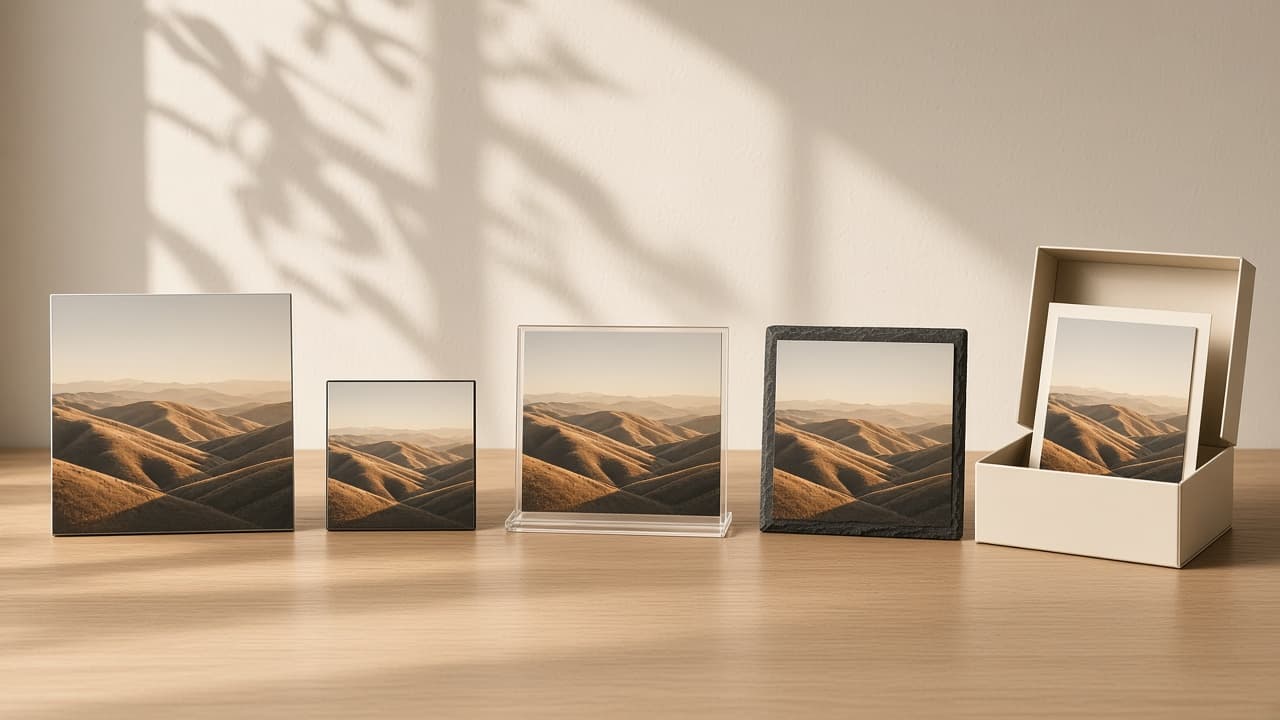
A personal image.
A product you can picture.
Walls Around turns photographs into metal prints, magnets, acrylic desk displays and slate pieces. We designed a store where the product and its personalization belong to the same experience.
The work connects discovery, product options, image editing and the preview before adding a piece to cart. Every choice should answer a practical customer question.
- Shopify
- Liquid
- JavaScript
- CSS

What will my photo look like?
A file on a phone does not explain the material, the scale or the finished crop.

See the piece before ordering.
Choose the product, compose the image and inspect the preview in one connected journey.
One photo.
Different ways to keep it.
The same photograph can become a wall piece, a magnet or a desk display. The website makes those differences visible.
Metal. Magnets. Acrylic. Slate.
Four material families, with a choice of placement and a personalized preview.
Ways to start
Upload a photo or browse products.
Designer steps
From upload to a configured product in cart.
Connected journey
Discover, personalize and preview.
Each part resolves a choice.
Real interface previews show the work. Full captures remain available for a closer look.
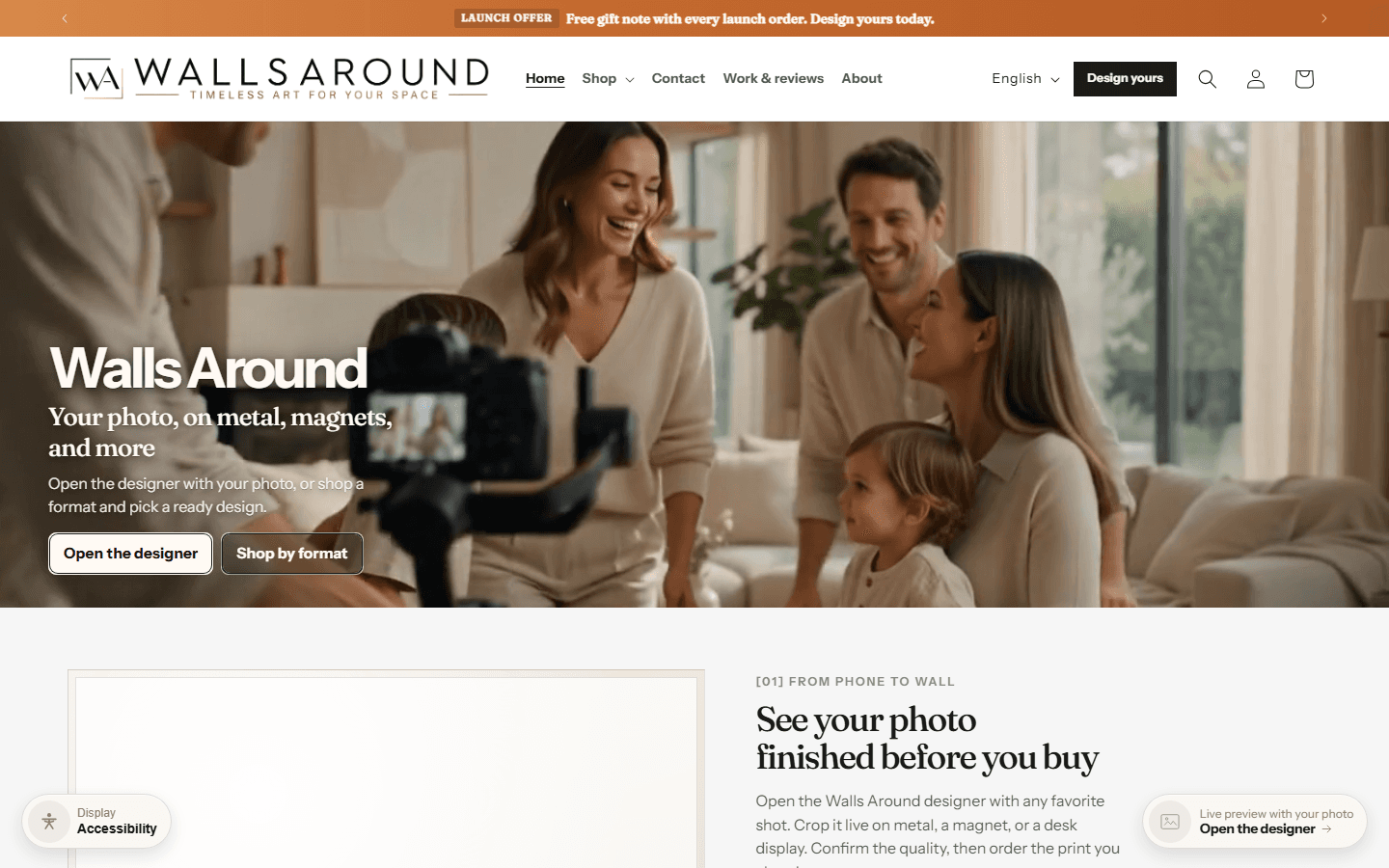
Two ways into the store
01Start with a personal photo or browse products by format. Both routes lead to personalization.
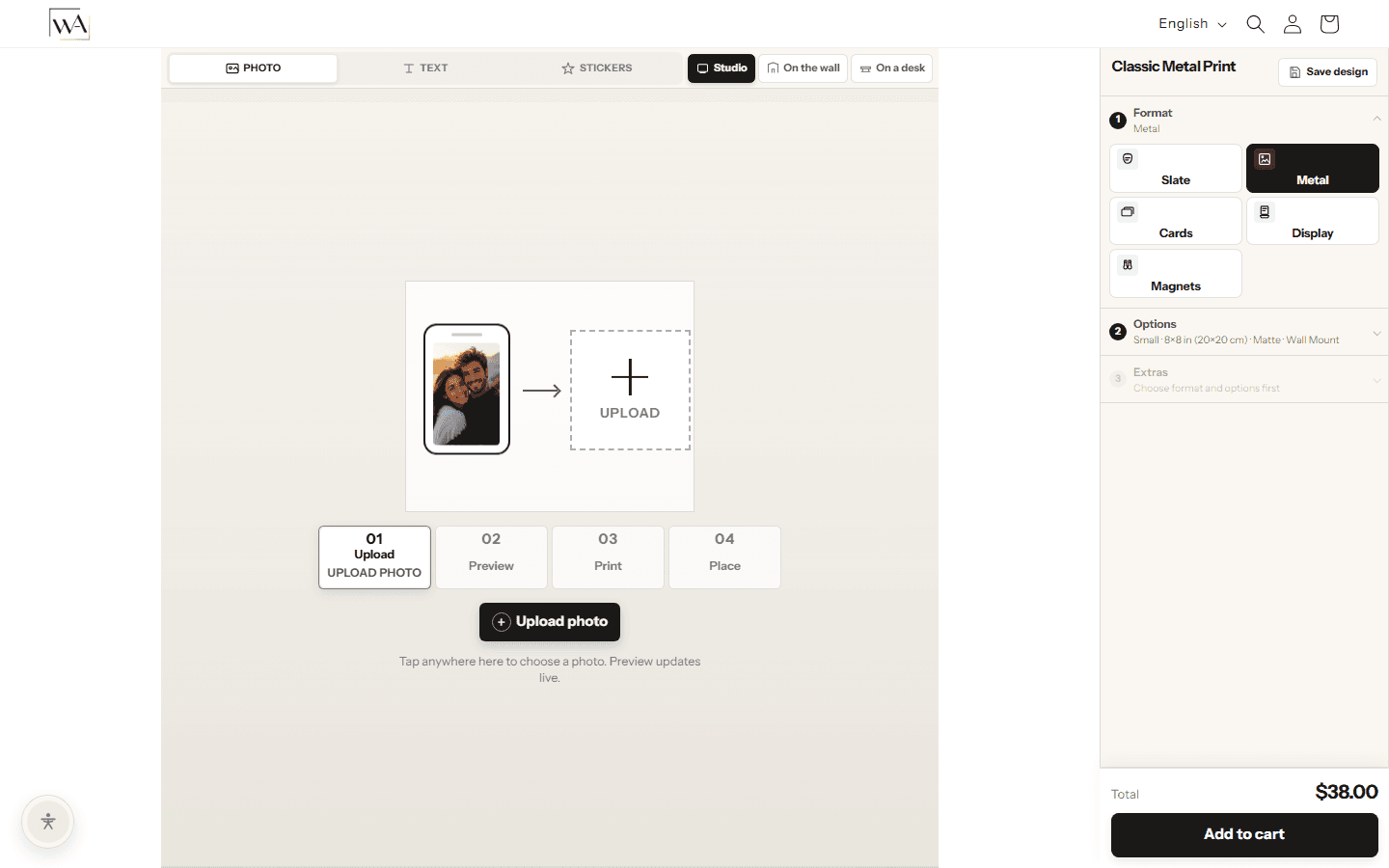

A designer inside the store
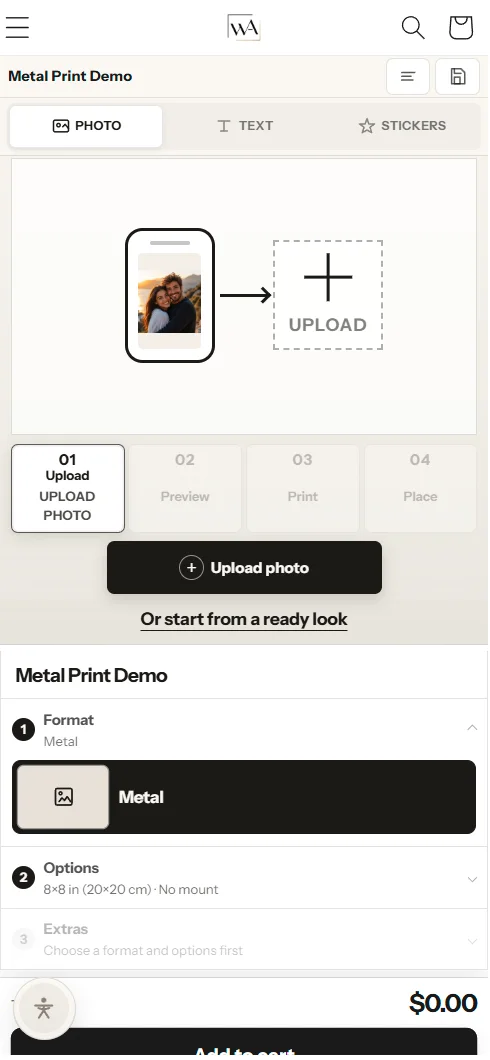
02Upload a photograph, adjust the crop, add text or stickers and preview the composition.
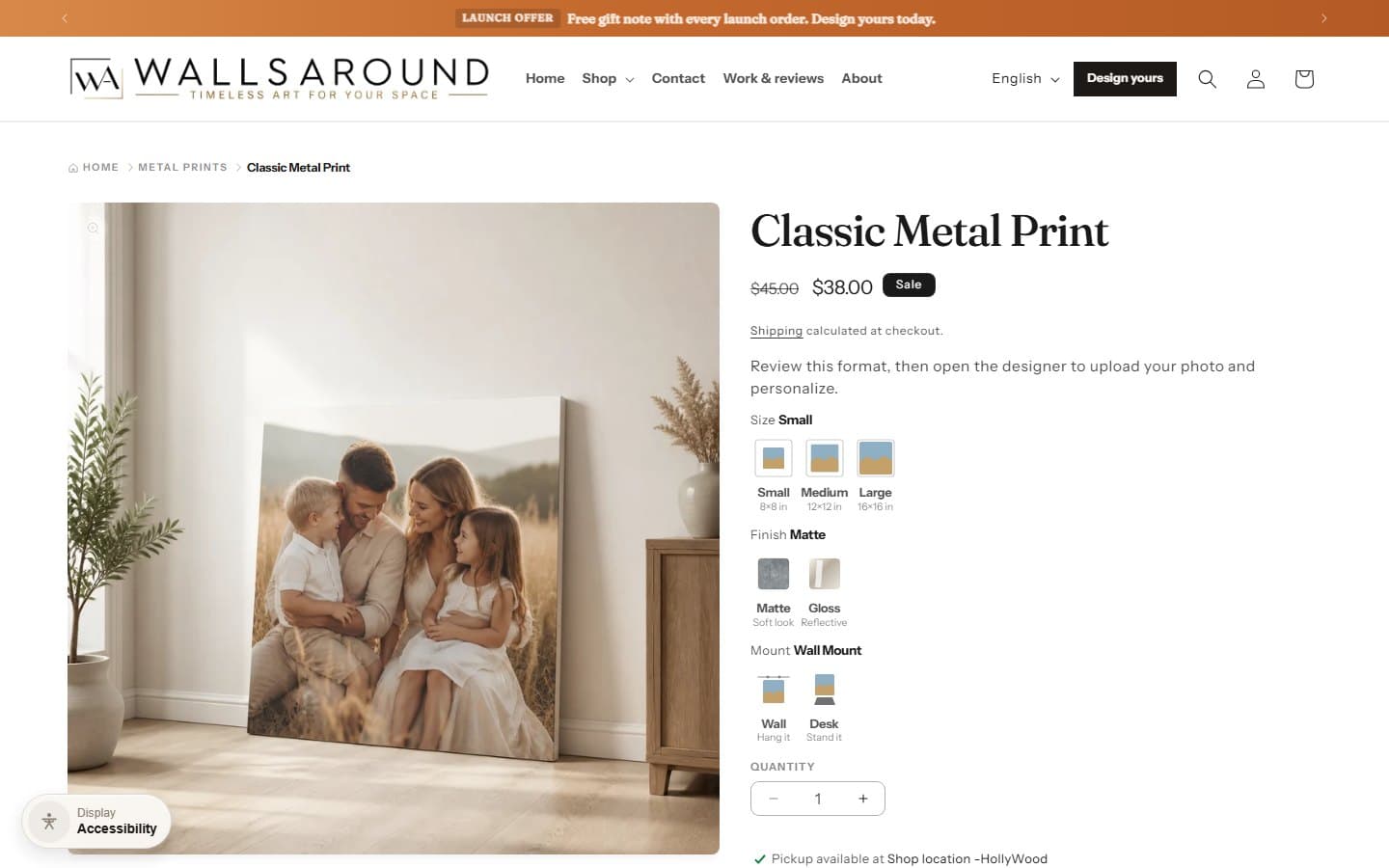
Clear product choices
03Size, finish and mounting choices stay beside the product before the designer opens.

A quality checkpoint
04When a photo is too soft, the designer flags it and asks the customer to confirm before continuing to cart. The decision remains visible.
Photo → Review → ConfirmationSame photo.
A different place in your life.
Format is more than a dropdown. Each material needs its own context so the customer can picture the finished product.
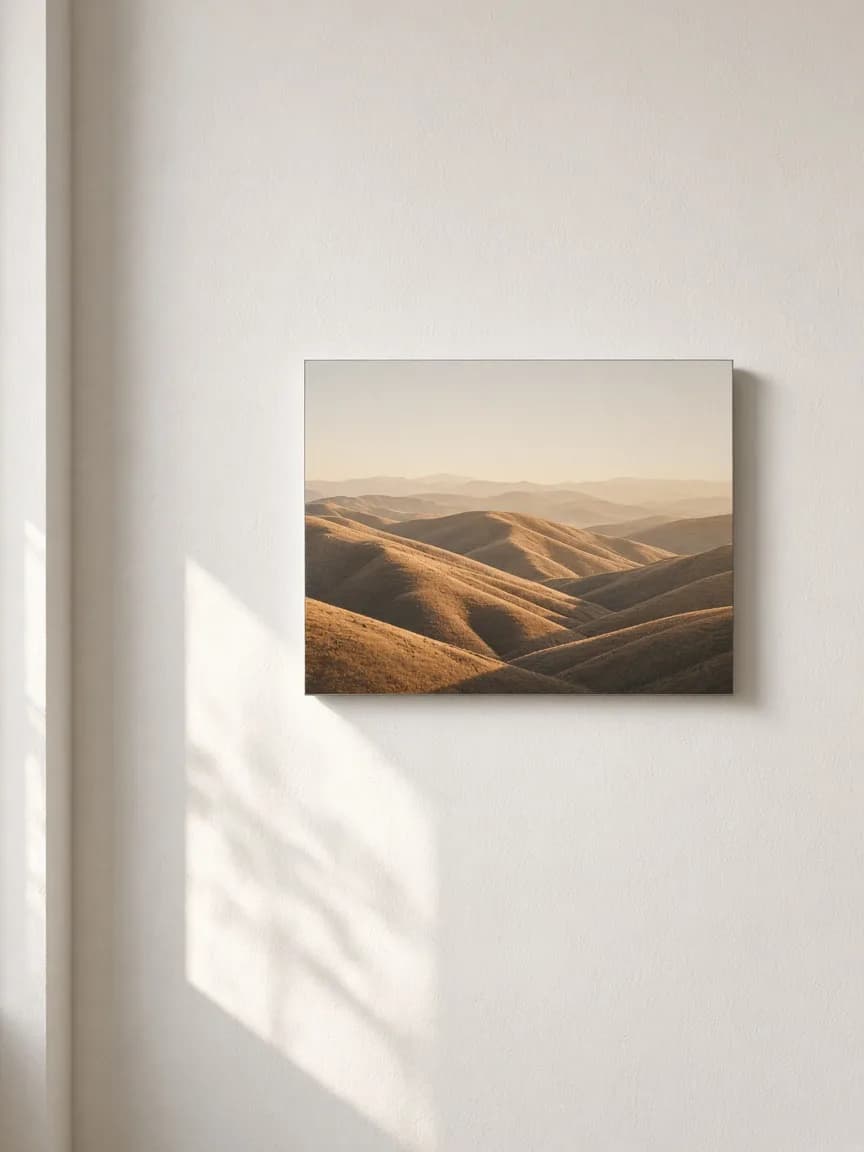
On the wall
A photograph becomes a piece of the room. Preview the image as a wall print before ordering.
The actual screens.
One connected journey.
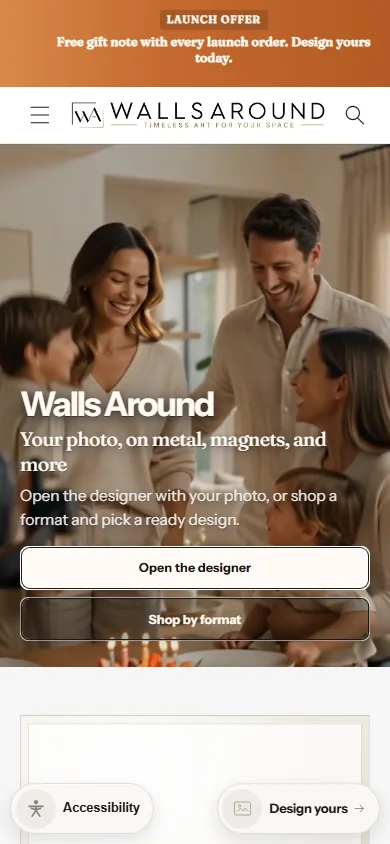
Explore the storefront, collection, product page and designer. These are captures of the store interface.

Two clear starting points: open the designer or shop by format.
From upload to cart.
Walk through the six decisions in the designer.
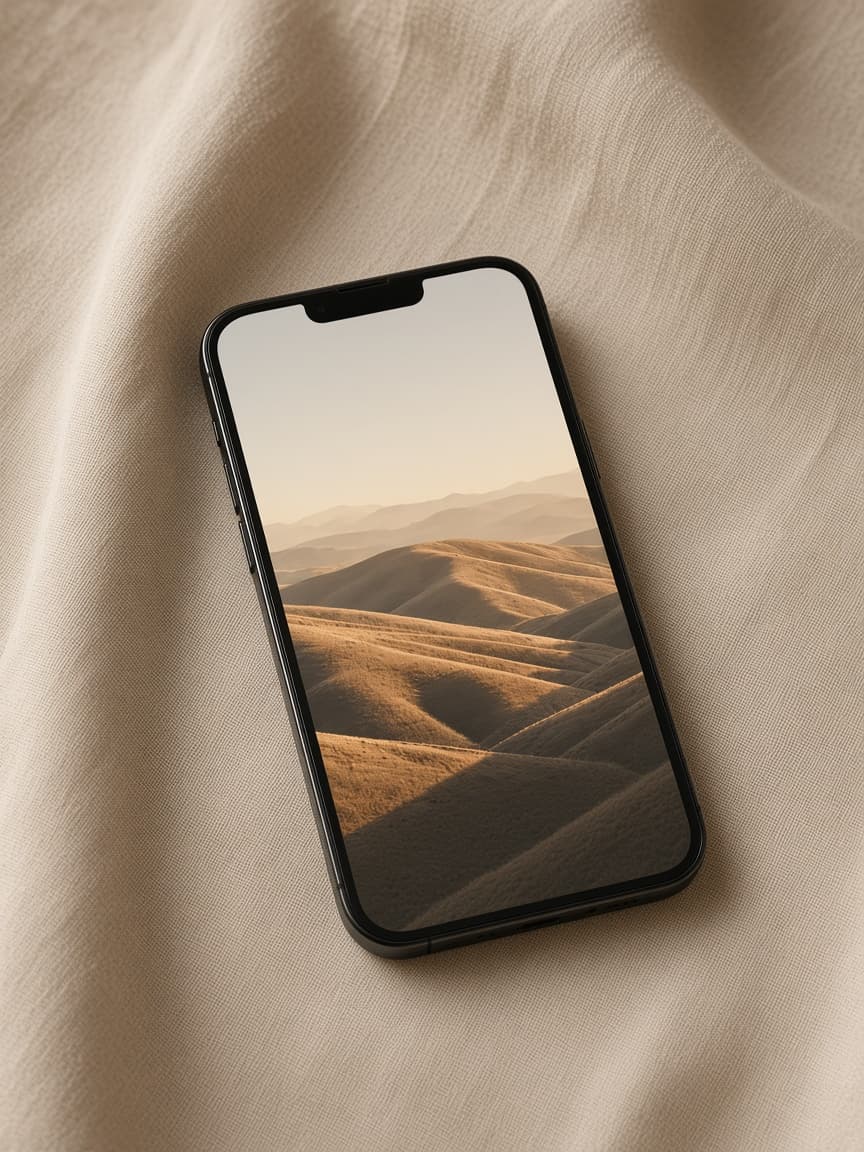
Upload your photo
Start with a personal image. The store brings the file into the product journey instead of asking the customer to imagine the result.
Input: the customer’s own photograph.The photo is already on the phone.
The store starts there too.
Discovery, uploading and editing should remain readable on a small screen, with the product always in context.
Start with your photograph
A direct route into the designer.
Keep the controls close
Adjust the format and composition beside the preview.
Continue to the product
Review the options before ordering.
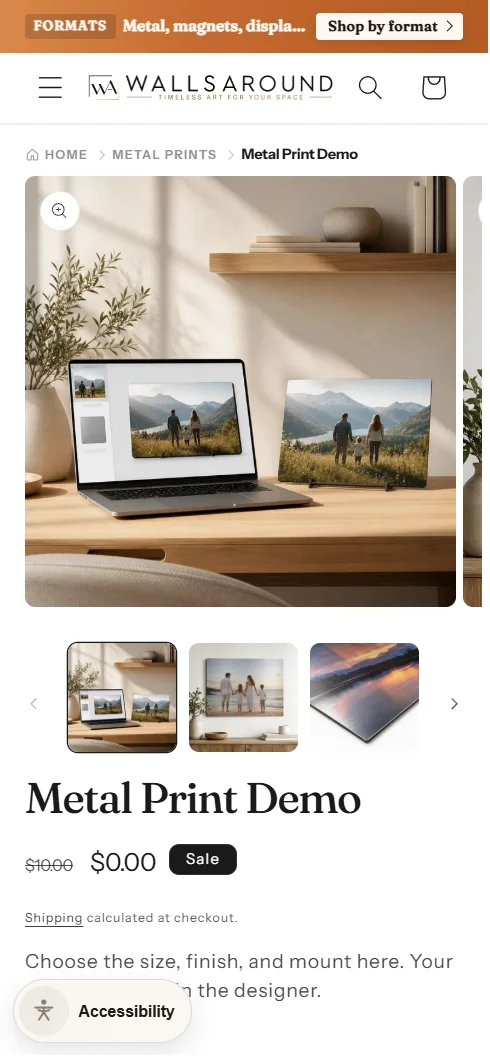
A store built around the personal image.
The delivered experience connects product discovery, personalization and the order. It is the work we built, without invented performance figures.
- Shopify storefront and product pages
- Photo upload, crop, text and stickers
- Preview and image quality confirmation
- Responsive store and designer screens
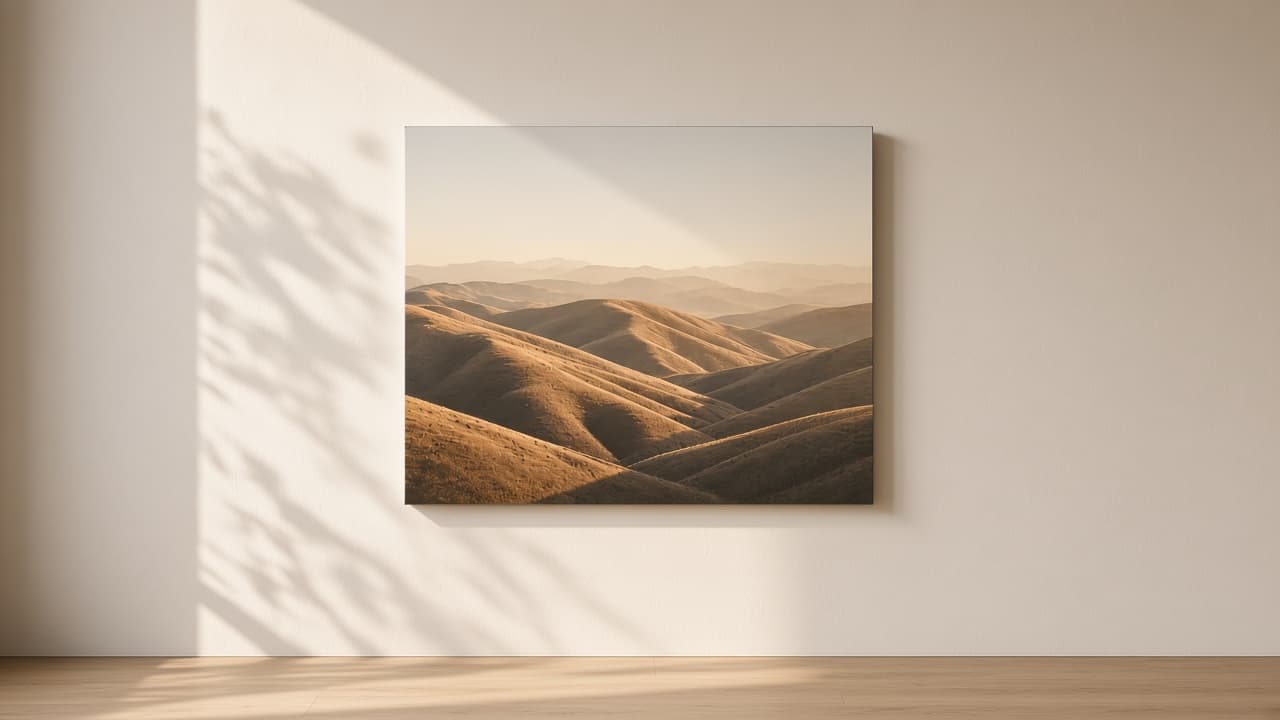

Details make the product feel real.
I wanted to remove the guesswork between a photo and a physical product. For me, that means checking every transition: how a person chooses a format, positions the image, notices a quality warning and understands the preview. The visual presentation matters, but so does the precision of these small decisions.

Stepan · Walls Around
We look forward to adding Stepan’s words after approval.