
A useful Google profile, before the first call.
An illustrative service-business profile shows how accurate information, useful photos and a consistent inquiry path work together.
Fictional company and illustrative profile. Proposed changes below are a worked example, not a real client's results.
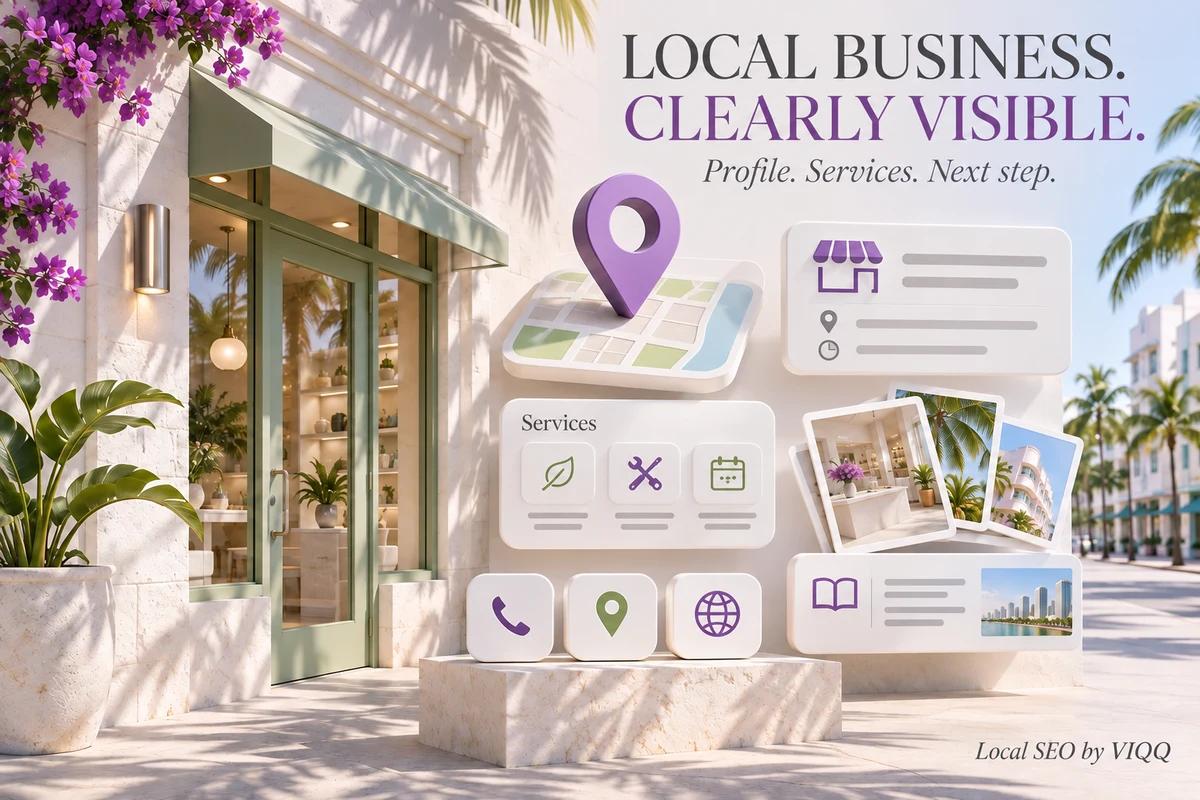
PROFILE PRESENTATION
Make the business information clearer.
Bayline Appliance Care
General business information
- Unclear category
- Missing service details
- Unclear coverage and hours
- Decorative rather than useful imagery
Bayline Appliance Care
Appliance repair service
- Accurate category and named services
- Consistent contact and service hours
- Real service area, no false office address
- Approved work photos and inquiry links
The review
Every detail should help a customer decide.
The example is deliberately specific about the work, without adding fictional rankings, traffic growth or sales. A real project begins by checking business eligibility and source information.
Start with the real business
The fictional company is Bayline Appliance Care. The example assumes an eligible service-area business, not a walk-in storefront. We check the public name, phone, hours and actual service area before changing presentation.
Categories and services
Choose the most accurate primary category, then list services the business really provides. Avoid filling the name with keywords or listing cities where the team cannot work.
Photos that answer a question
Use approved photographs of the team, work and process. Replace decorative imagery with useful context, then keep details consistent with the website. The illustrated profile below is a design mockup.
Reviews and inquiries
Invite genuine customers to leave feedback without rewards or filtering by sentiment. Reply to real reviews and record what happened after an inquiry. This example contains no invented customer quote or star rating.
Status and next step
Measure actions, then verify the outcome.
In a real project, track website visits with tagged links, contact actions and inquiry outcomes. Compare equivalent periods and note seasonality. Calls or profile views alone do not prove sales. Next: verify the profile information and collect approved real photographs.
IMPLEMENTATION
The reasoning behind the decisions.
The profile example shows how business facts can become easier to inspect. It is an illustrative Google Business Profile presentation, not a claim that a real company achieved a fabricated increase in calls or rankings.
Use the actual business facts
Name, phone, hours and service area need to match the real operation and the website. Useful profile work begins with this consistency. Adding cities the team cannot serve or keywords to a business name is not a substitute for accurate information.
Explain the services visually
Clear categories and service descriptions help the visitor understand whether the business fits their task. Approved work and process photographs provide useful context. The case uses an illustrative profile rather than presenting generated imagery as photographs from a real customer job.
Measure the next action honestly
A profile view, a call tap and a completed sale are different events. The proposed measurement approach separates them and connects enquiries with the business records. Verified before-and-after performance requires access to actual profile and enquiry data; no such figures are invented in this case.
Tools and implementation
- Google Business Profile
- Business information consistency
- Website contact paths
What the case demonstrates
- Business-information checklist
- Service and image presentation example
- A distinction between visibility and outcome
Palm Springs Appliance Repair
Palm Springs Appliance Repair: LSA account review, charged inquiries and outcome verification.
- Google Local Services Ads
- Lead review
- Reporting


MerHay
A free community directory connecting Armenian businesses and specialists across cities and languages.
- Custom platform
- Multilingual
- Directory
The next project could be yours.
Tell us what you want to build. We will discuss the approach and next step.