Why PHP mail() fails on shared hosting
Many hosts block or rate-limit mail() - SMTP through Google Workspace or SendGrid is more reliable.
SPF/DKIM on your domain affects deliverability even when WordPress ' sends successfully.'

Leads
Contact form looks fine but nothing in the inbox - check SMTP, spam, and plugin conflicts yourself first.
By VIQQ StudioUpdated June 20265 min read
Key takeaways
Try it yourself first
Forms fail silently more often than they break visibly. Check delivery before redesigning the page.
You find out forms are broken when leads stop - not when you launch. The form looks fine; nothing hits the inbox.
Walk through delivery, SMTP, and conflicts before assuming you need a new website.
1Step 1 - Confirm it's delivery, not the form UI
2Step 2 - Plugin and theme conflicts
3Step 3 - Routing to CRM
Many hosts block or rate-limit mail() - SMTP through Google Workspace or SendGrid is more reliable.
SPF/DKIM on your domain affects deliverability even when WordPress ' sends successfully.'
FAQs
Straight answers from this guide - tap a row to expand.
1 question
Tap to expand
Still broken?
Stop DIY if: SMTP is configured but mail still fails, or you need CRM/Zapier routing restored - that's a scoped forms fix, not a new plugin trial.
We trace SMTP, plugin conflicts, spam filters, and CRM handoff - leads should hit your inbox or pipeline.
Mark the traffic channels you already run. We'll show which ones are missing - and where buyers never reach you.
Step 1/2
Select all that apply - or none
Select every channel that's live today - even if results feel weak. Or choose Nothing yet.
Mark live channels - or Nothing yet if you're starting from zero.
Before you invest
We analyze your business, find the opportunities, and show you exactly what to improve - before you spend a dollar.
01We analyzeyour channels
We review your website, ads, Google profile, and more.
02We findopportunities
We identify what's working, what's missing, and what to fix.
03We buildyour plan
You get a clear growth plan with prioritized actions.
04You growwith confidence
Make smarter decisions and invest with clarity.
Built for real industries. Designed to convert. Ready to grow.
Swipe sideways for more industries →

Home Services
Proven structure
Homepage
Services
About
Service Areas
Reviews
FAQ
Contact
What you get
Industry fit
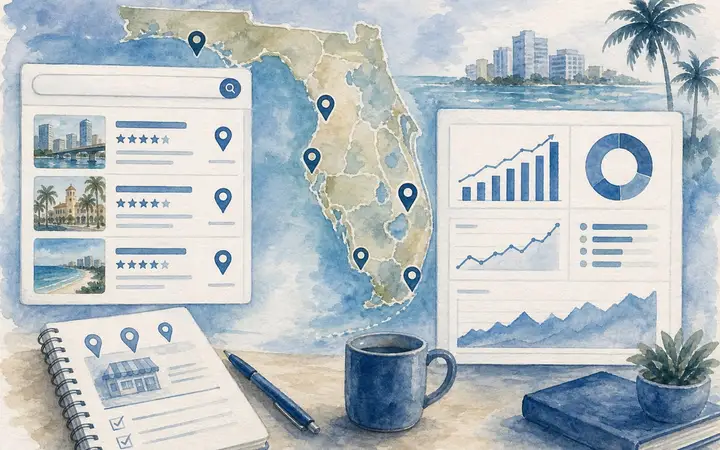
Short, practical blog posts on Google Maps, leads, and pricing - clarity before you reach out.
By VIQQ Studio7 min read
What Miami-area owners do differently on Maps - and the local SEO moves that actually drive clients.
Read article
By VIQQ Studio6 min read
The conversion gaps behind quiet forms and empty inboxes - and what South Florida owners fix first.
Read article
By VIQQ Studio8 min read
Real 2026 ranges for Miami-area landing pages, full sites, and growth layers - before you talk to any agency.
Read articleNot ready to talk yet? Start with a quick blog post.
End of the tour
Share your goal - we send what to build first, where the potential is, and starting numbers.
Closing step
Request your growth roadmap
Sources
Where clients come from
Scan
What you already run
System
Reputation to follow-up
Review
Where potential is
24h reply
Human review
No pressure
Other ways to reach us